
Bookings
The flight starts with data already present in the schedule.
Enter the destination aerodrome, fuel and block times. Flydesk automatically generates the completed Aircraft Technical Log entry after the flight.
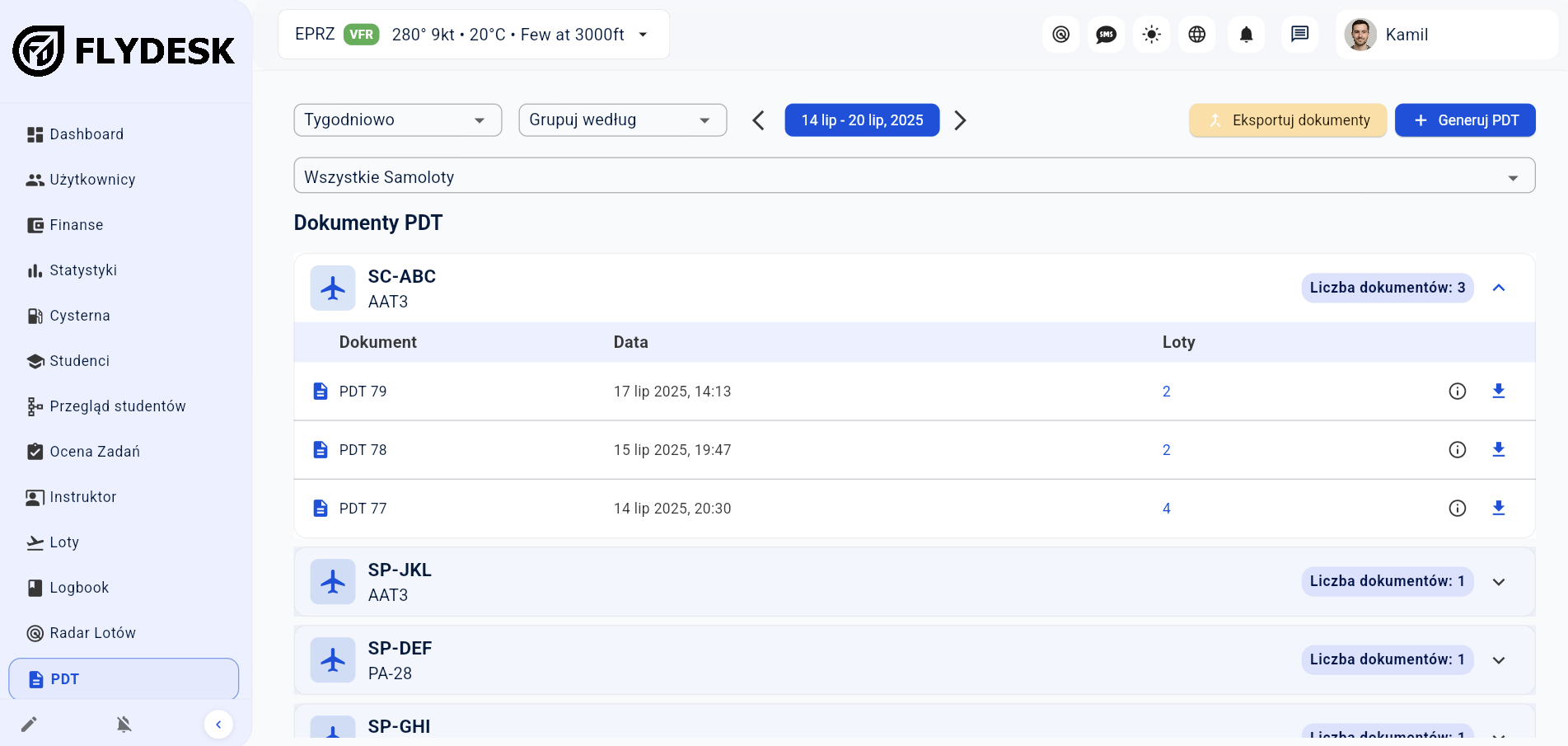
In short: After every flight, Flydesk generates a completed Aircraft Technical Log entry using the training organization’s own template. The user only needs to verify that the destination aerodrome, fuel and block times were entered correctly — the system handles the rest.
Enter the destination aerodrome, fuel and actual block times.
The Aircraft Technical Log follows the document template used by the training organization.
The user reviews the completed record instead of building it from scratch.
The operation is linked to its booking and aircraft.
Add destination, fuel and block times.
Flydesk completes the Aircraft Technical Log entry.
The user checks that the entered data is correct.
The flight starts with data already present in the schedule.
Actual times remain linked to the correct aircraft.
The same flight can update student and instructor records.
Operational information can feed flight-related charges.
The final setup depends on your organization, fleet and operating model. We cover the details during a tailored demo.
Flydesk prepares a completed record after each flight using data already available in the system.
The destination aerodrome, fuel and actual block times.
Yes. The user reviews the completed data before further use.
Book a short presentation tailored to your fleet, training programs and daily workflow.